In the world of Virtual Private Servers (VPS), network management remains one of the biggest challenges for system administrators. Two of the most essential services in this infrastructure are DHCP (Dynamic Host Configuration Protocol) and DNS (Domain Name System). Together, they simplify IP address management, ensure smooth connectivity, and support critical services like Active Directory. In this article, we’ll cover the function of each, how they work, their integration, and common issues with solutions.
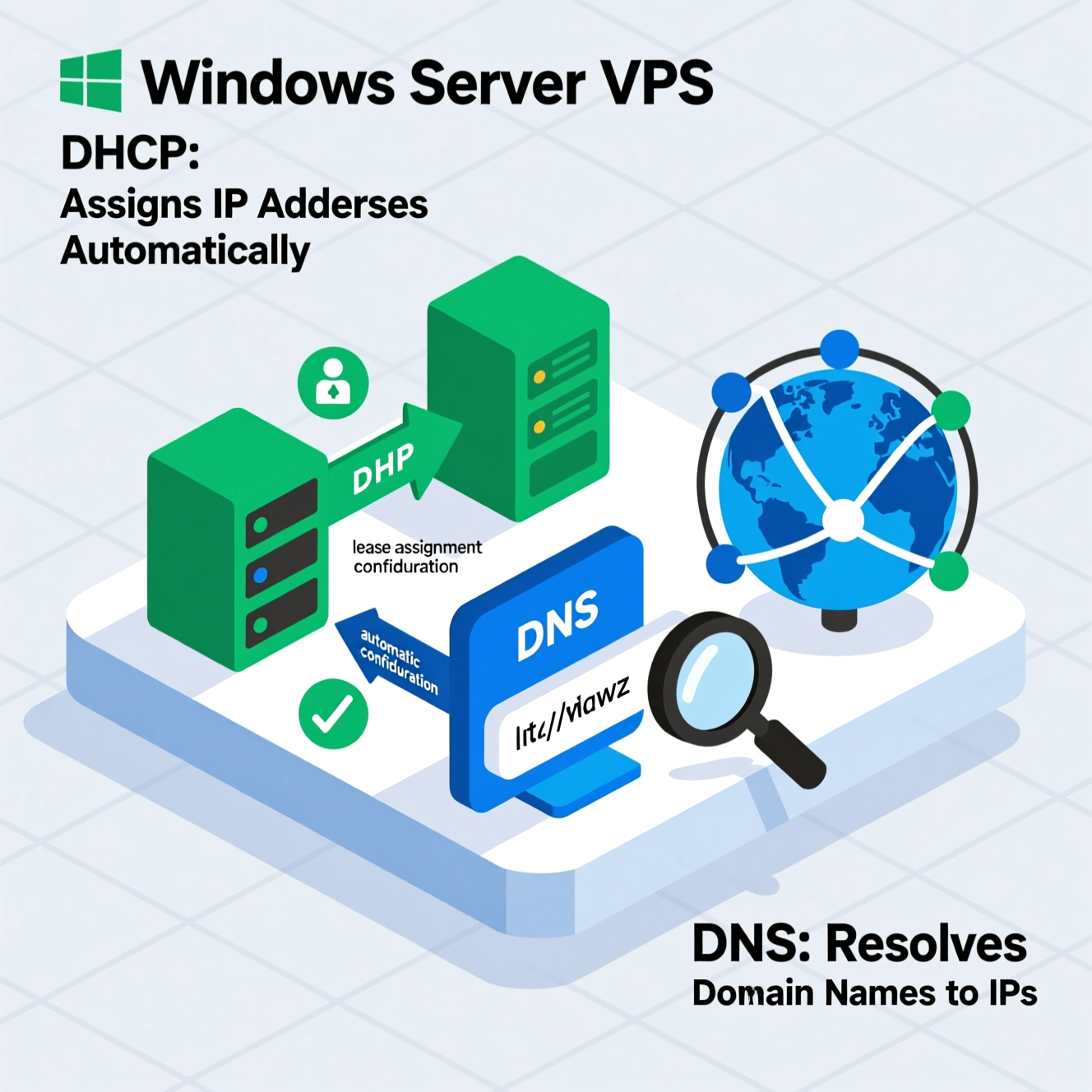
DHCP (Dynamic Host Configuration Protocol) is a network protocol that automates the distribution of IP addresses and other network configurations such as Subnet Mask, Default Gateway, and DNS Servers. Instead of manually assigning these settings to each device, DHCP manages them centrally, reducing errors and saving time.
DHCP works on a Client-Server model:
Client Request: When a new device joins the network, it sends a request for network configuration.
Server Response: The DHCP server replies with an available IP address and other settings.
Lease: The device is assigned an IP for a specific period called “Lease Time.”
Renewal: The client can renew the lease to keep using the same IP.
Expiration: If the lease expires without renewal, the IP address returns to the available pool.
Automation: Reduces manual configuration and human error.
Efficient IP Management: Prevents conflicts between devices.
Flexibility: Allows devices to move between networks easily.
Scalability: Ideal for managing multiple VMs in VPS environments.
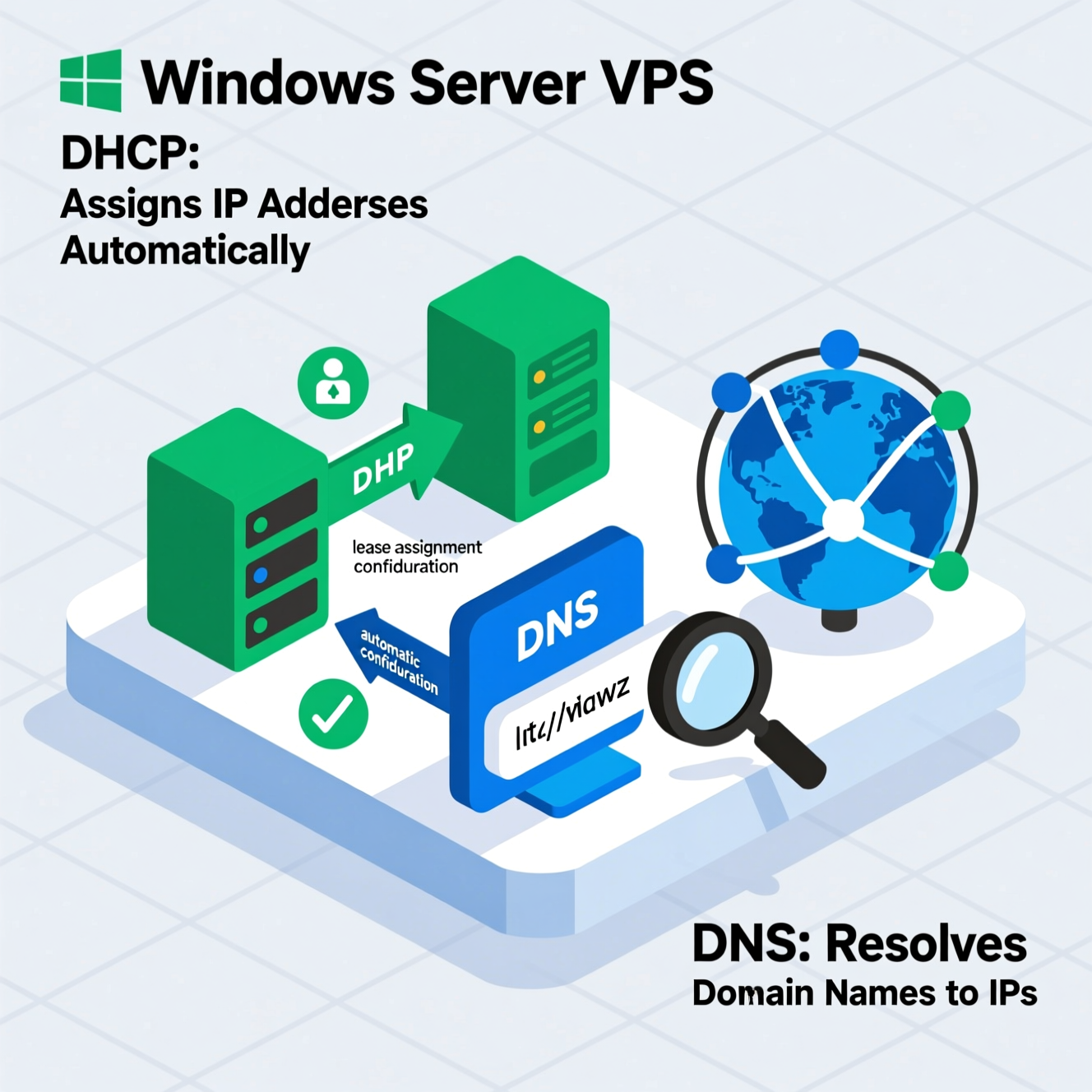
DNS (Domain Name System) is often called the “phonebook of the internet”. It translates domain names (e.g., example.com) into IP addresses. DNS is essential not only for accessing websites but also for running Active Directory in Windows Server environments.
Name Resolution: Clients query the DNS server for a domain name.
Zone Lookup: The DNS server checks its zones for the corresponding IP.
Forwarding: If the record isn’t found locally, the server forwards the query to another DNS server.
Caching: Results are stored temporarily to speed up future queries.
DNS Server Role: Handles name resolution.
DNS Client Service: Runs on all devices to process DNS queries.
DNS Zones: Store records like A, MX, and CNAME.
Dynamic Updates: Devices can register their records automatically.
DNSSEC: Adds security and protects against spoofing.
DNS plays a critical role in Active Directory (AD):
Helps clients and devices locate Domain Controllers (DCs).
Stores domain data within AD Integrated Zones.
Supports Secure Dynamic Updates to prevent unauthorized changes.
Centralized Management: DNS data stored inside Active Directory.
Automatic Replication: DNS data replicates automatically across domain controllers.
Enhanced Security: Secure updates reduce the risk of attacks.
High Reliability: Ensures fault tolerance and reduced downtime.
IP Conflicts: Often caused by mixing static IPs with DHCP.
✅ Solution: Use DHCP reservations or fully manage addresses with DHCP.
Expired Lease: Devices lose connection when the lease expires.
✅ Solution: Adjust lease time based on network needs.
Propagation Delays: Changes take time to spread.
✅ Solution: Reduce TTL values for faster updates.
Incorrect A Records: Prevent domains from resolving properly.
✅ Solution: Double-check DNS records and VPS IP.
Forwarder Errors: External lookups fail.
✅ Solution: Use reliable forwarders like Google DNS (8.8.8.8).
Install the DHCP Role via Server Manager.
Create a new Scope with an IP range.
Authorize the DHCP server in Active Directory.
Install the DNS Role via Server Manager.
Create Forward Lookup Zones for your domain.
Add essential records (A, MX, CNAME).
Enable DNSSEC for security.
Managing DHCP and DNS in a Windows Server VPS environment is not just a technical task—it’s the foundation of stable and secure networking.
DHCP ensures automated, efficient IP address management.
DNS translates domain names into IPs and integrates with Active Directory for seamless communication.
By mastering these two services, administrators can guarantee a stable, secure, and scalable VPS environment, whether for hosting websites, applications, or internal networks.
هل تحتاج إلى Windows VPS سريع وآمن وبسعر مناسب؟
شركة EgyVPS بتوفرلك سيرفرات ويندوز جاهزة للاستخدام فورًا.
? تواصل معنا عبر: 201001197157
? أو زور موقعنا: https://egyvps.com
 2019 - 2023 © WELNIZ.LTD. All rights reserved.

 United Arab Emirates (Arabic)
 Worldwide (English)